Score and confirm a match
Keep the court, players and recorded games in agreement.
Check your access before play
- Ask the organiser for scoring access to your match. Being named as the official on the court board is not enough.
- Check the tournament, event, opponents and scoring rules before entering points or game scores.
- Submitting scores and confirming a result are separate permissions. Ask who will confirm before the match starts.
Record, review and confirm
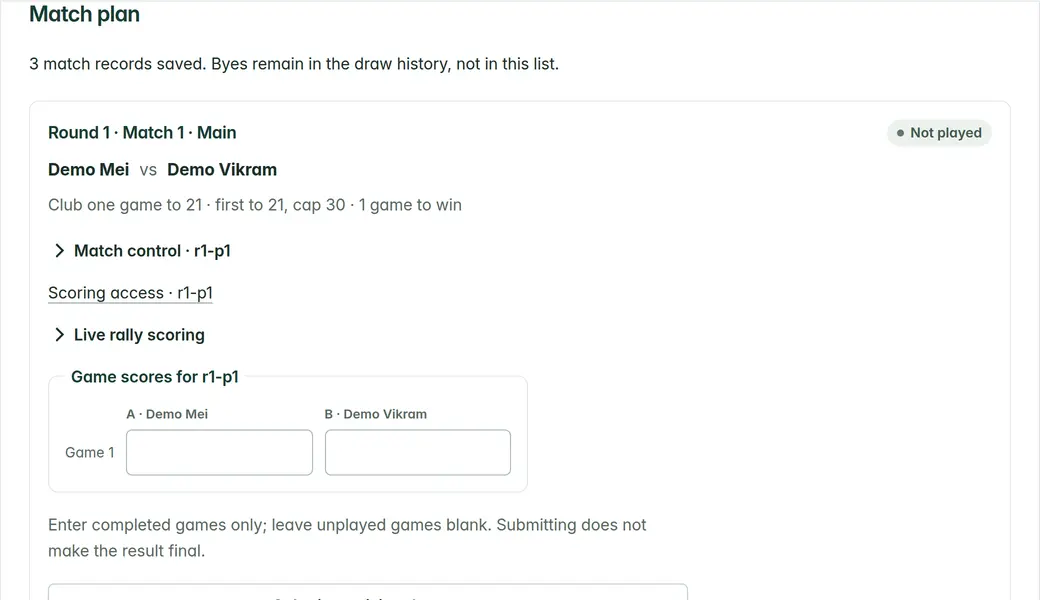
- Tap Score on the court card (or Open scorer on the draw). Start match, then tap the side that wins each rally; Undo last point fixes a mistake.
- Points save on the device at once and sync in the background. If a sync fails, the scorer says so and tries again; keep the page open.
- The authorised confirmer reviews the submitted result. Only confirmed results complete the match and feed advancement.
- If the scorer reports that someone else changed the match, review the current record. Do not repeatedly submit an old score over another official’s work.
If play or your connection stops
- Keep the device and browser data intact. Do not clear storage or sign out to solve an unsent score.
- Points keep saving while offline and send when the connection returns. Opening a match to score and the court board need a connection.
- Tell the director about a disputed result, interruption or device failure. Retain the match and score details through your venue’s fallback process.